【移植】轻量级系统之外设驱动子系统移植
外设驱动子系统提供 OpenHarmony 专有的外部设备操作接口。本模块提供设备操作接口有:FLASH, GPIO, I2C, PWM, UART, WATCHDOG 等。OpenHarmony 提供了两种驱动适配方式:使用外设驱动子系统、使用 HDF 驱动框架。由于轻量级系统的资源有限,这里建议使用 IOT 子系统方式。
外设驱动子系统提供 OpenHarmony 专有的外部设备操作接口。本模块提供设备操作接口有:FLASH, GPIO, I2C, PWM, UART, WATCHDOG 等。
OpenHarmony 提供了两种驱动适配方式:使用外设驱动子系统、使用 HDF 驱动框架。由于轻量级系统的资源有限,这里建议使用 IOT 子系统方式。
移植指导
厂商需要根据 OpenHarmony 提供的接口定义实现其功能,IOT 子系统接口定义的头文件如下:
base/iot_hardware/peripheral/
├── BUILD.gn
└── interfaces
    └── kits
        ├── iot_errno.h
        ├── iot_flash.h
        ├── iot_gpio.h
        ├── iot_i2c.h
        ├── iot_pwm.h
        ├── iot_uart.h
        ├── iot_watchdog.h
        ├── lowpower.h
        └── reset.h
其中“base/iot_hardware/peripheral/BUILD.gn”文件如下:
import("//build/lite/config/subsystem/lite_subsystem.gni")
import("//build/lite/ndk/ndk.gni")
lite_subsystem("iothardware") {
  subsystem_components = [
    "$ohos_vendor_adapter_dir/hals/iot_hardware/wifiiot_lite:hal_iothardware",
  ]
}
if (ohos_kernel_type == "liteos_m") {
  ndk_lib("iothardware_ndk") {
    deps = [
      "$ohos_vendor_adapter_dir/hals/iot_hardware/wifiiot_lite:hal_iothardware", #依赖厂商的适配
    ]
    head_files = [ "//base/iot_hardware/peripheral/interfaces/kits" ]
  }
}
从中可以看到厂商适配相关接口的存放目录应为“$ohos_vendor_adapter_dir/hals/iot_hardware/wifiiot_lite”,且该目录下 BUILD.gn 文件中的目标应为 hal_iothardware。
移植实例
1.在“config.json”中添加 iot_hardware 子系统。
路径:“vendor/MyVendorCompany/MyProduct/config.json”
修改如下:
{
    subsystem": "iot_hardware",
    components": [
        { "component": "iot_controller", "features":[] }
    ]
},
2.添加适配文件。
在“vendor/MyVendorCompany/MyProduct/config.json”文件中,通常将配置“vendor_adapter_dir”配置为 “//device/MyDeviceCompany/MyBoard/adapter”。
在“vendor_adapter_dir”目录下进行适配:
hals/iot_hardware/wifiiot_lite
├── BUILD.gn
├── iot_flash.c
├── iot_gpio.c
├── iot_i2c.c
├── iot_lowpower.c
├── iot_pwm.c
├── iot_reset.c
├── iot_uart.c
└── iot_watchdog.c
其中 BUILD.gn 内容如下:
static_library("hal_iothardware") {   #目标名
    sources = [                       #厂商适配的源文件
      "iot_watchdog.c",
      "iot_reset.c",
      "iot_flash.c",
      "iot_i2c.c",
      "iot_gpio.c",
      "iot_pwm.c",
      "iot_uart.c"
    ]
    include_dirs = [ ]
}
其中,“include_dirs”需要根据工程实际情况包含两个路径:- iot 子系统的头文件路径
适配 iot 子系统所使用到的 SDK 的头文件路径
总是有很多小伙伴反馈说:OpenHarmony开发不知道学习哪些技术?不知道需要重点掌握哪些OpenHarmony开发知识点? 为了解决大家这些学习烦恼。在这准备了一份很实用的鸿蒙全栈开发学习路线与学习文档给大家用来跟着学习。
针对一些列因素,整理了一套纯血版鸿蒙(HarmonyOS Next)全栈开发技术的学习路线,包含了鸿蒙开发必掌握的核心知识要点,内容有(OpenHarmony多媒体技术、Napi组件、OpenHarmony内核、OpenHarmony驱动开发、系统定制移植……等)技术知识点。
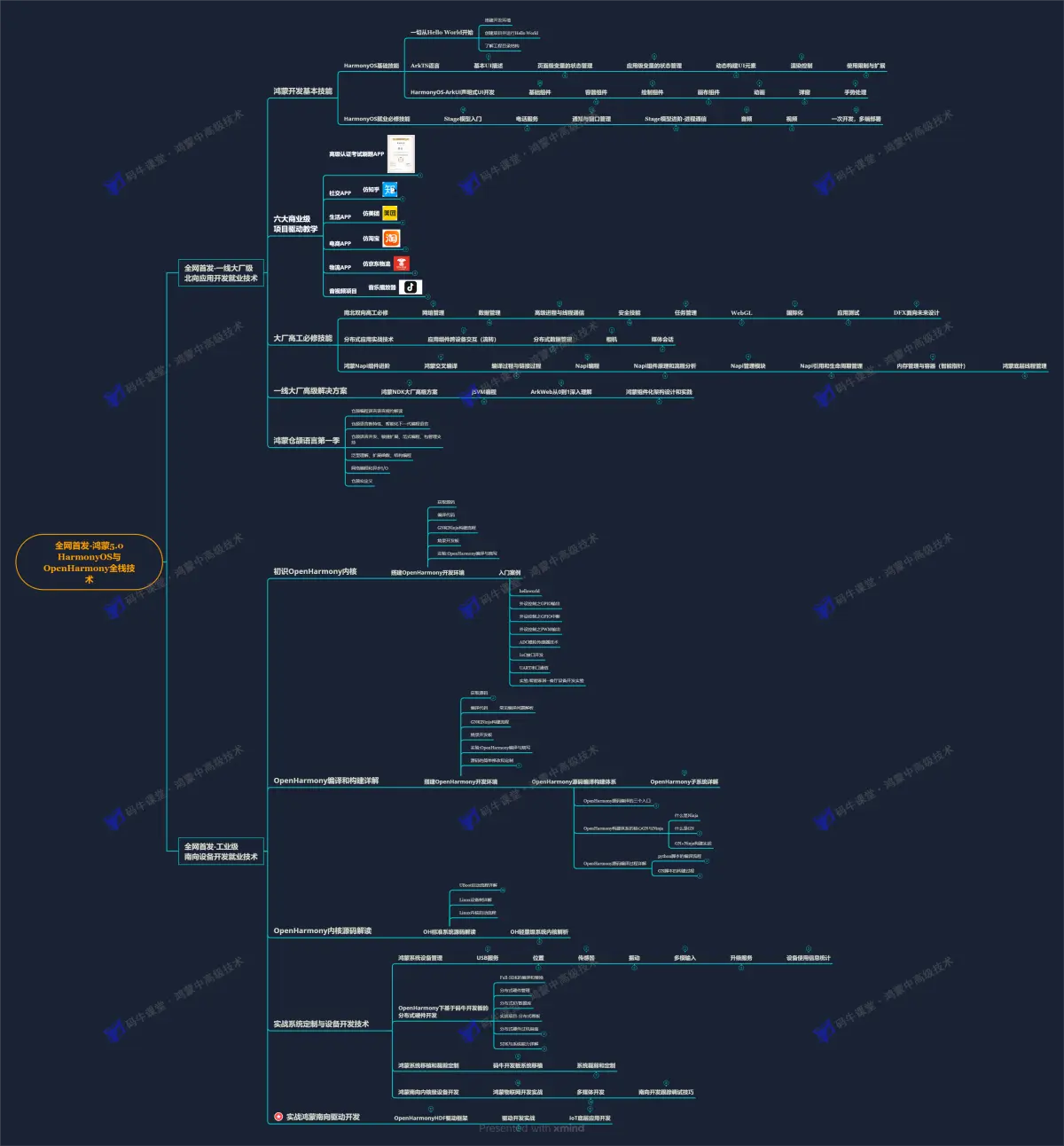
OpenHarmony 开发环境搭建:https://gitcode.com/HarmonyOS_MN/733GH/overview
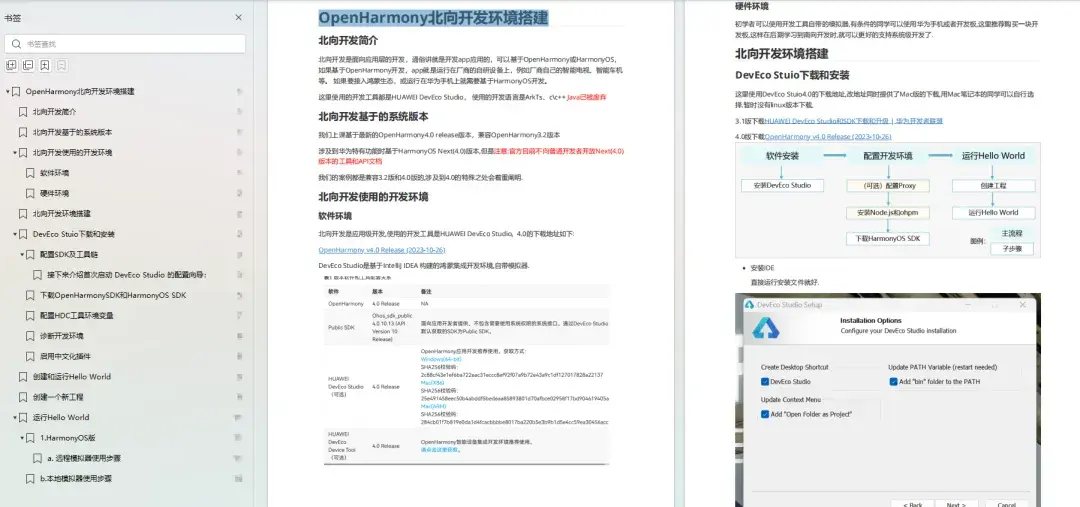
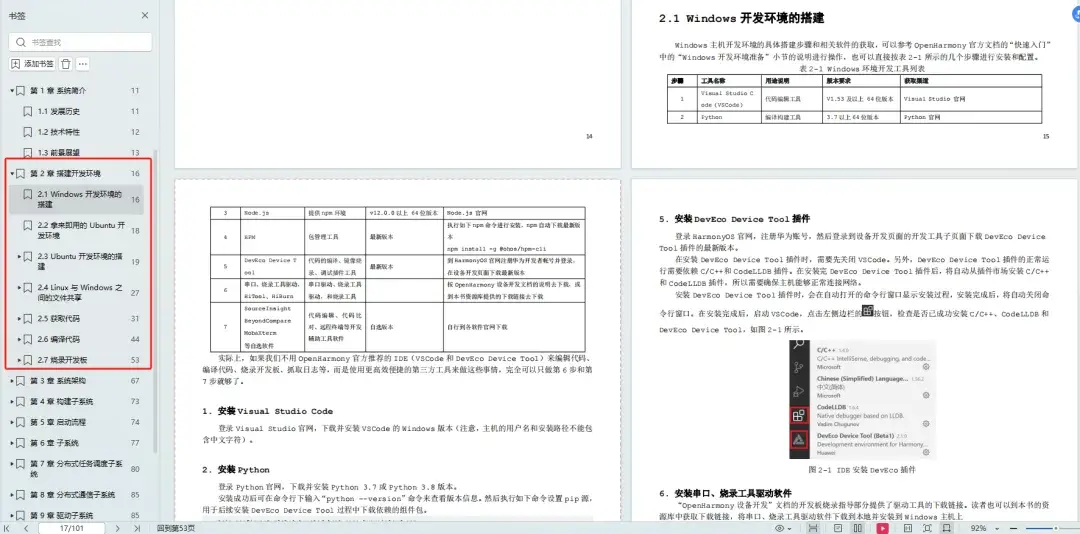
《OpenHarmony源码解析》
搭建开发环境
系统架构分析
- 构建子系统
- 启动流程
- 子系统
- 分布式任务调度子系统
- 分布式通信子系统
- 驱动子系统
- ……
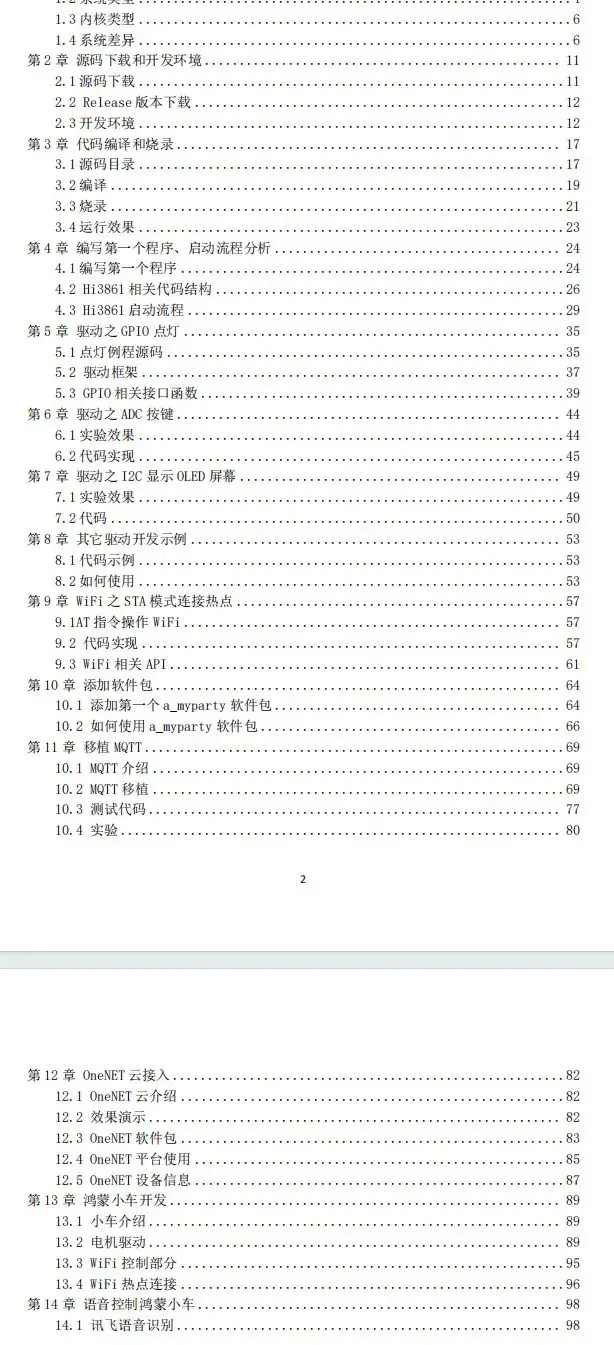
OpenHarmony 设备开发学习手册:https://gitcode.com/HarmonyOS_MN
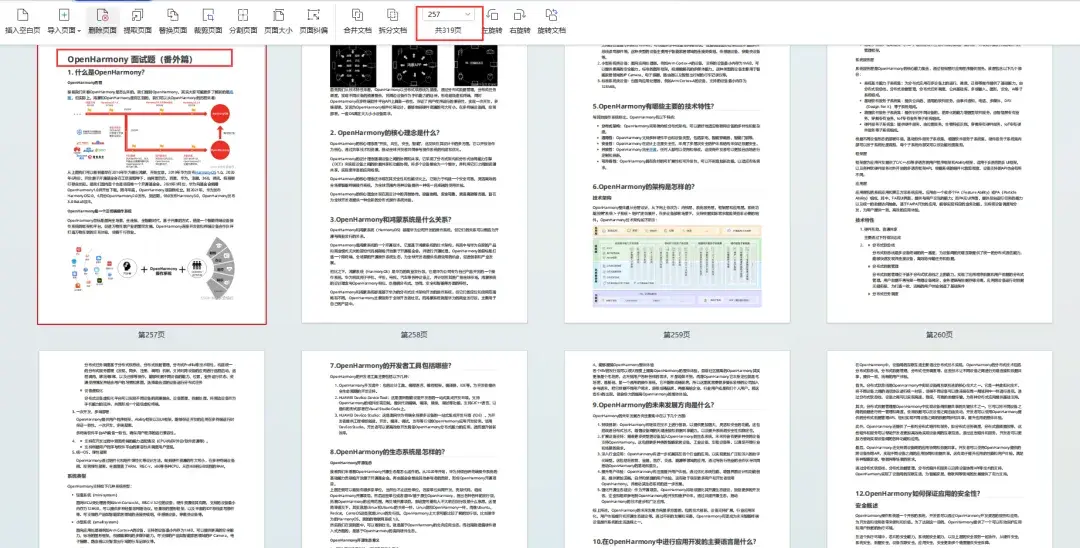
鸿蒙开发面试真题(含参考答案):https://gitcode.com/HarmonyOS_MN/733GH/overview

社区规范:仅讨论OpenHarmony相关问题。
更多推荐
 11
11 0
0- 0


 已为社区贡献9条内容

所有评论(0)