HDMI屏热插拔屏幕方向丢失问题(buildInDefaultOrientation != 0)
前言:
这是个比较冷门的BUG,仅在buildInDefaultOrientation != 0 的前提下热插拔HDMI屏幕时出现。在OpenHarmony 6.1 LTS以及OpenHarmony 5.0.3上实际发现,实际影响范围可能包括5.1以及4.0系列。
测试环境:
OpenHarmony 6.1 LTS版,RK3568, HDMI显示屏
故障现象:
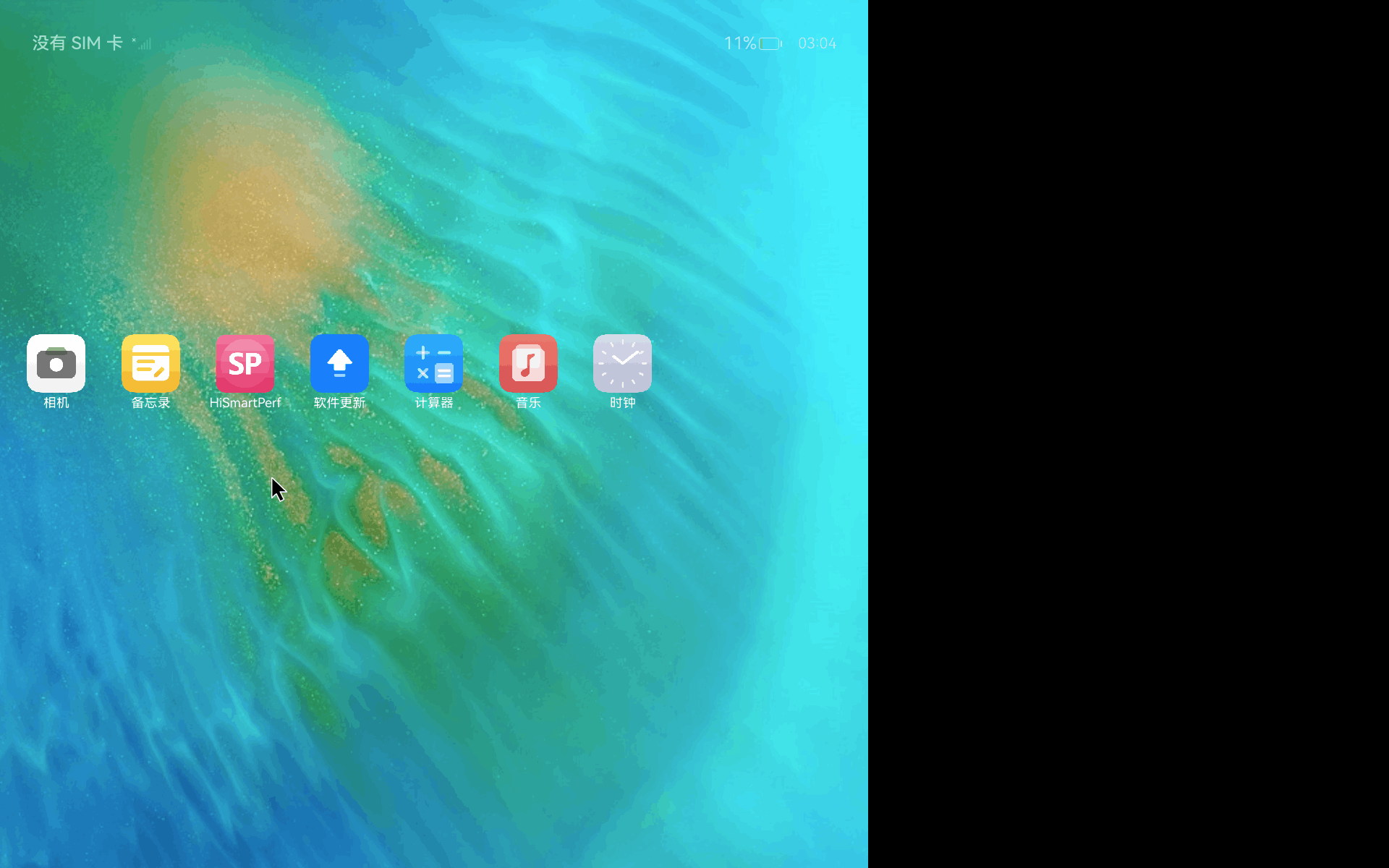
开机启动显示正常,但是在热插拔之后显示出现混乱产生一种很奇怪的状态:屏幕方向变了,图像没显示完整屏幕却有部分空着,如下图:
背景与根因
目录:foundation/window/window_manager,源码:dmserver/src/abstract_screen_controller.cpp
AbstractScreenController::ProcessScreenConnected() 方法在屏幕连接时会判断是否是重连(reconnect):
•首次连接路径:会在后面的代码中(第 358 行开始)重新应用 buildInDefaultOrientation_ 旋转逻辑,调用 CalcRotation、Set
Rotation、SetFrame、SetBounds 等来校正方向。
•重连路径(第 314 行 HasRsScreenId 为 true):早期只调用了 ProcessDefaultScreenReconnected() 然后直接 return,跳过了
对 buildInDefaultOrientation_ 的旋转校正逻辑。
当 buildInDefaultOrientation_ 为 VERTICAL (1) 或 REVERSE_VERTICAL (3) 时,HDMI 热插拔会导致:
•物理显示器回退到水平方向(物理原生方向)
•而软件状态仍记录着配置的方向
•两者不一致,导致显示异常
修复方式
在重连路径(return 之前)增加了与首次连接路径一致的方向重新应用逻辑:
1.通过 ConvertToDmsScreenId 获取 DMS 内部屏幕 ID
2.获取 AbstractScreen 对象及其 rsDisplayNode_
3.设置 screenRequestedOrientation_ = buildInDefaultOrientation_
4.调用 CalcRotation 计算目标旋转角度
5.根据旋转方向计算宽高(如果是水平方向,则交换宽高)
6.调用 SetRotation / SetFrame / SetBounds 更新渲染节点
7.提交隐式事务(FlushImplicitTransaction)
8.更新 rotation_ 状态和方向
补丁
diff --git a/dmserver/src/abstract_screen_controller.cpp b/dmserver/src/abstract_screen_controller.cpp
index 44f1ebf1c8..4fb7846beb 100644
--- a/dmserver/src/abstract_screen_controller.cpp
+++ b/dmserver/src/abstract_screen_controller.cpp
@@ -314,6 +314,37 @@ void AbstractScreenController::ProcessScreenConnected(ScreenId rsScreenId)
     if (screenIdManager_.HasRsScreenId(rsScreenId)) {
         TLOGD(WmsLogTag::DMS, "reconnect screen, screenId=%{public}" PRIu64"", rsScreenId);
         ProcessDefaultScreenReconnected(rsScreenId);
+        // Apply buildInDefaultOrientation_ rotation correction for HDMI hot-plug reconnect
+        // When buildInDefaultOrientation_ != UNSPECIFIED, the reconnected screen falls back
+        // to its physical horizontal orientation because the rotation is not re-applied.
+        ScreenId dmsScreenId;
+        if (screenIdManager_.ConvertToDmsScreenId(rsScreenId, dmsScreenId)) {
+            auto absScreen = GetAbstractScreen(dmsScreenId);
+            if (absScreen != nullptr && absScreen->rsDisplayNode_ != nullptr) {
+                absScreen->screenRequestedOrientation_ = buildInDefaultOrientation_;
+                Rotation rotationAfter = absScreen->CalcRotation(absScreen->screenRequestedOrientation_);
+                TLOGD(WmsLogTag::DMS, "reconnect: apply rotation %{public}d for buildInDefaultOrientation_",
+                    rotationAfter);
+                sptr<SupportedScreenModes> abstractScreenModes = absScreen->GetActiveScreenMode();
+                if (abstractScreenModes != nullptr) {
+                    float w = abstractScreenModes->width_;
+                    float h = abstractScreenModes->height_;
+                    float x = 0;
+                    float y = 0;
+                    if (!IsVertical(rotationAfter)) {
+                        std::swap(w, h);
+                        x = (h - w) / 2; // 2: used to calculate offset to center display node
+                        y = (w - h) / 2; // 2: used to calculate offset to center display node
+                    }
+                    absScreen->rsDisplayNode_->SetRotation(-90.0f * static_cast<uint32_t>(rotationAfter));
+                    absScreen->rsDisplayNode_->SetFrame(x, y, w, h);
+                    absScreen->rsDisplayNode_->SetBounds(x, y, w, h);
+                    RSTransactionAdapter::FlushImplicitTransaction(absScreen->GetRSUIContext());
+                    absScreen->rotation_ = rotationAfter;
+                    absScreen->SetOrientation(absScreen->screenRequestedOrientation_);
+                }
+            }
+        }
         return;
     }
     auto absScreen = InitAndGetScreen(rsScreenId);
社区规范:仅讨论OpenHarmony相关问题。
更多推荐
 2
2 2
2- 0


 已为社区贡献4条内容

所有评论(0)