OpenHarmony resource资源转换为string
本文以 OpenHarmony 5.1R RK3568 设备为例,讲解。
开发环境:
OpenHarmony 标准系统 5.1R + RK3568 设备 + SDK API 18
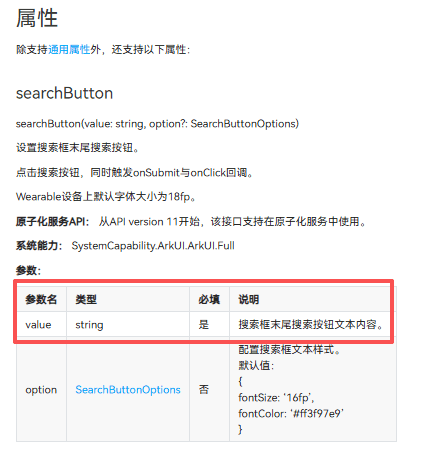
在鸿蒙应用开发过程中,经常会遇到一些组件所需的value指定为了string,而并非Resource或ResourceStr,为适配国际化,现以中/英 文为例,将Resource资源转换为string。
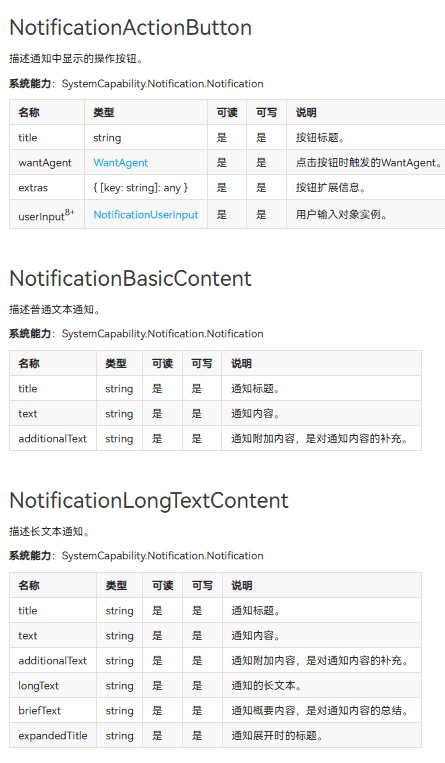
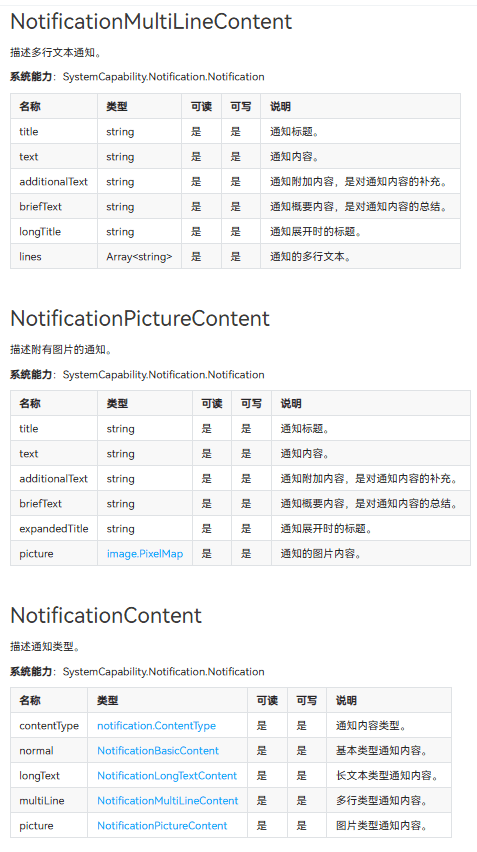
涉及相关组件有 search的searchButton,notification的NotificationActionButton,NotificationBasicContent,NotificationLongTextContent,NotificationMultiLineContent,NotificationPictureContent等。
还有一些其他的场景未详细添加。
以app.string.searchValue为例,中文值为:开源鸿蒙,英文名为:OpenHarmony
$r('app.string.searchValue')
初始代码:.searchButton('开源鸿蒙', { fontColor: '#fff80939' })
若直接变更为.searchButton($r('app.string.searchValue'), { fontColor: '#fff80939' })则会报错。

故此需要将resource资源转换为string。
此处我们需要用到同步方法resourceManager.getStringSync(res.id),
或异步方法context.resourceManager.getStringValue(res.id)。
具体方法为:
resourceToString(res: Resource): string {

  try {

    return context.resourceManager.getStringSync(res.id);

  } catch (error) {

    console.error(`转换失败: ${error.message}`);

    return ''

  }

}
或:
async resourceToStringAsync(res: Resource){
this.searchValue = await context.resourceManager.getStringValue(res.id)
}
简洁代码片段为:
context.resourceManager.getStringSync($r('app.string.searchValue').id)
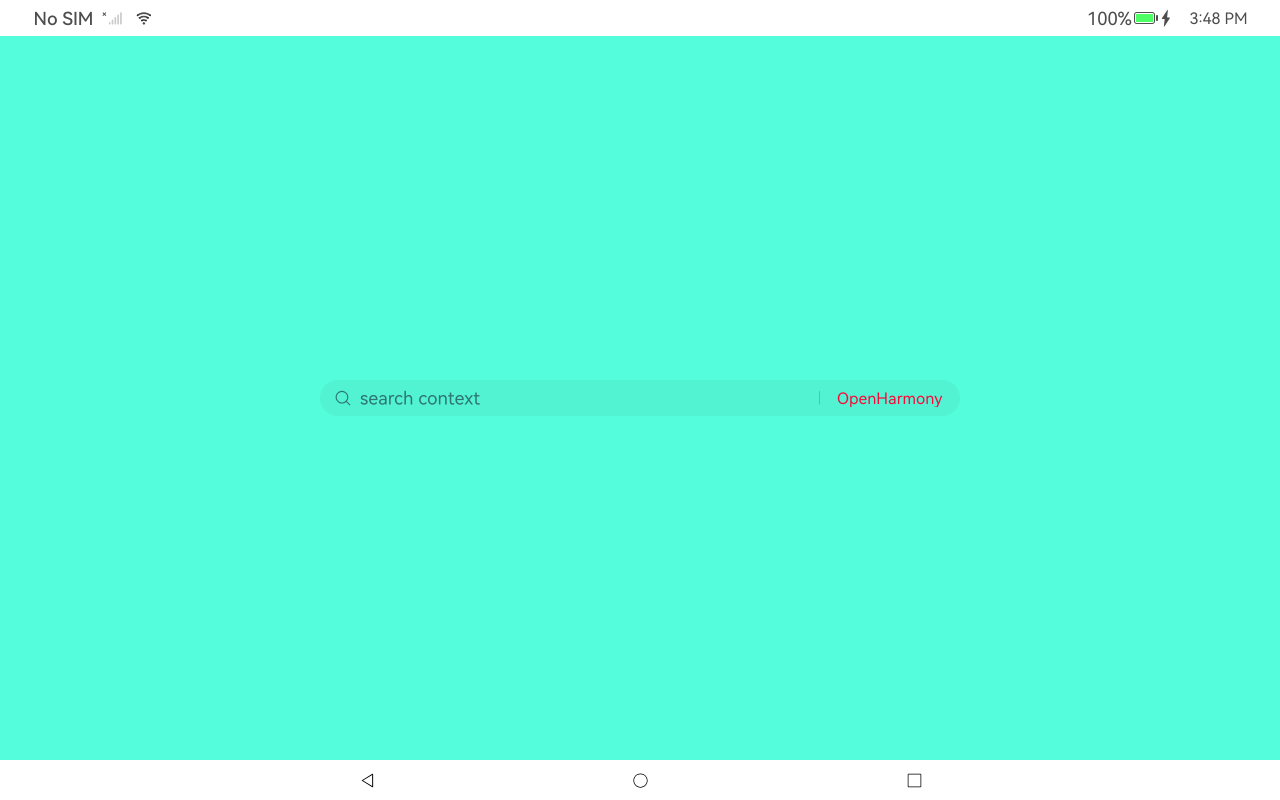
显示效果:(中文)
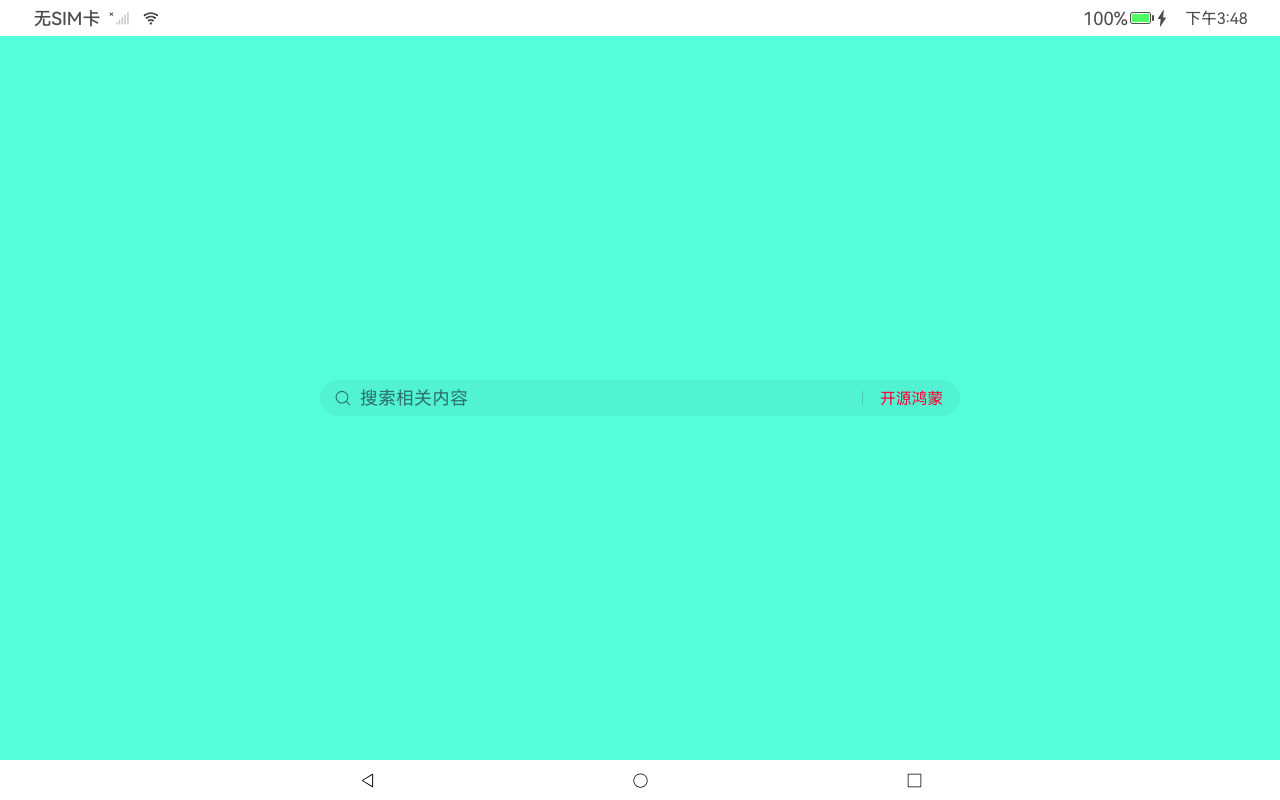
显示效果:(英文)
demo源码地址:[resourceToString:resourceToString - AtomGit | GitCode](https://gitcode.com/wanfan_yyds/resourceToString)

社区规范:仅讨论OpenHarmony相关问题。
更多推荐
 3
3 0
0- 0



 已为社区贡献21条内容

所有评论(0)