中国海洋大学25夏《移动软件开发》第五次实验报告
《移动软件开发》实验报告摘要:本实验通过构建HarmonyOS应用,掌握了ArkTS开发基础。实验内容包括:1)安装DevEco Studio开发环境;2)创建ArkTS工程并构建基础页面;3)添加按钮组件实现交互;4)创建第二个页面并实现页面跳转功能。实验过程中解决了SDK下载缓慢和布局调试问题,最终成功实现包含两个页面的应用,并完成页面路由跳转功能。通过实验掌握了HarmonyOS应用结构、A
2025年夏季《移动软件开发》实验报告
代码仓库地址:https://gitee.com/oucvinci/mobile-software-development-5
一、实验目标
快速构建出首个HarmonyOS应用,掌握应用程序包结构、资源文件的使用以及ArkTS的核心功能和语法等基础知识,为后续的应用开发奠定基础。
二、实验步骤
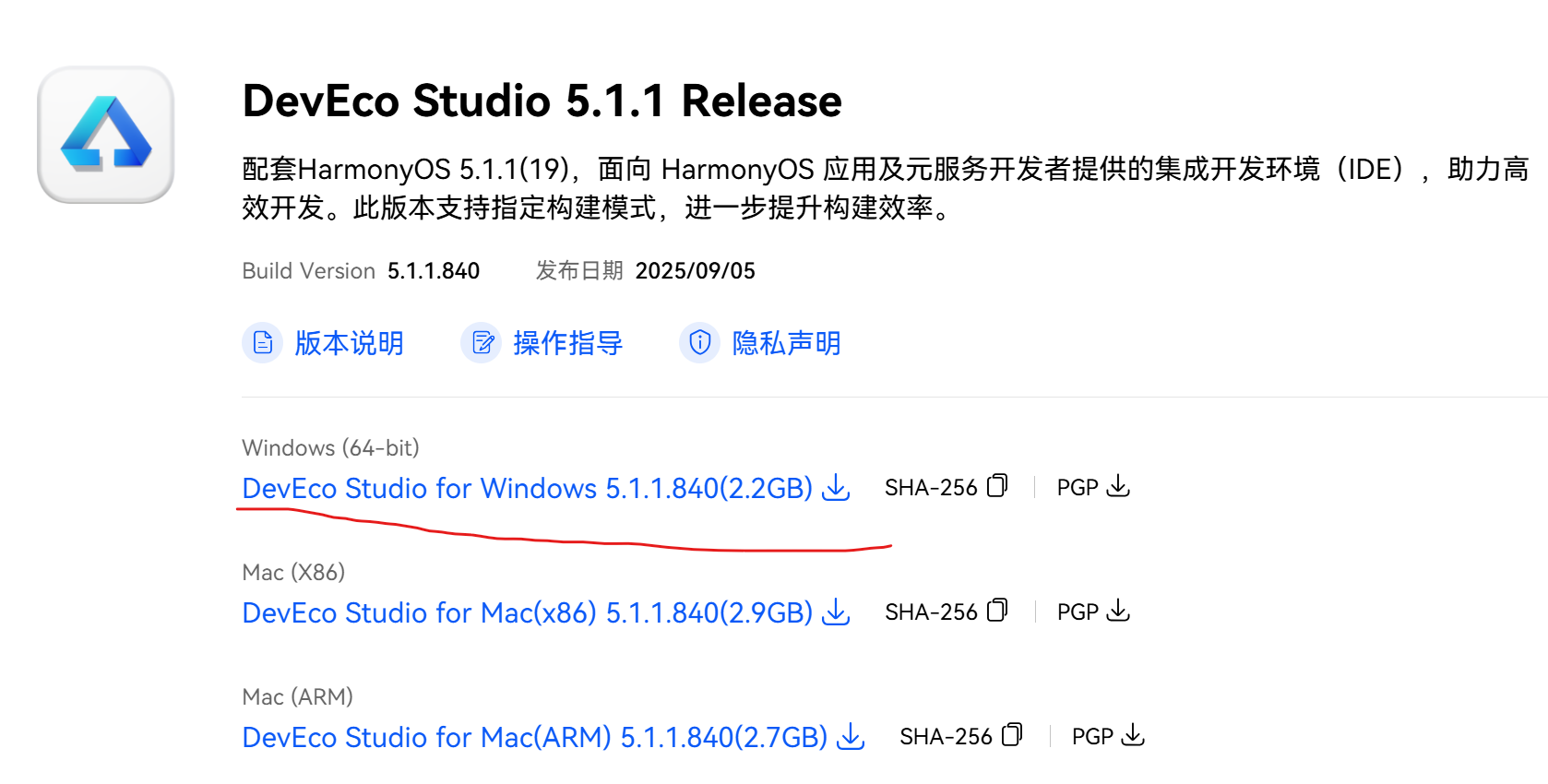
1.下载并安装最新版DevEco Studio。
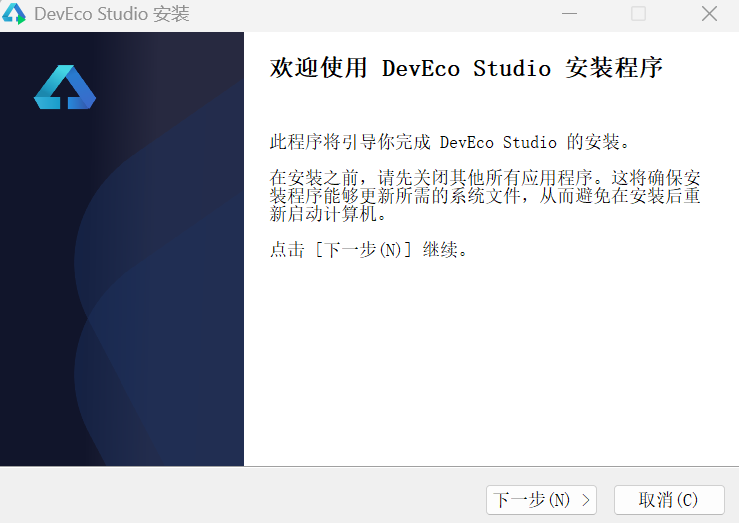
直接按默认一直下一步即可
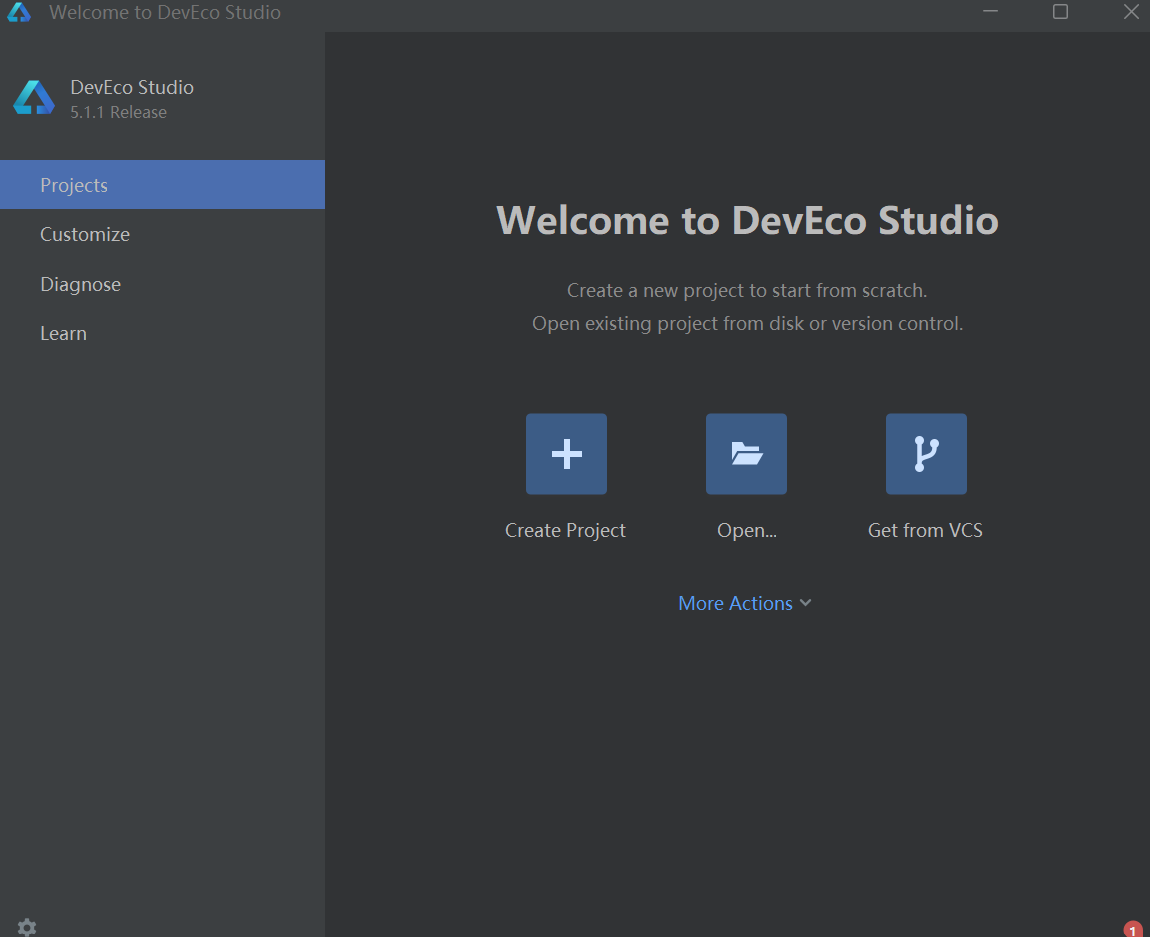
2.创建ArkTS工程
单击Create Project创建工程
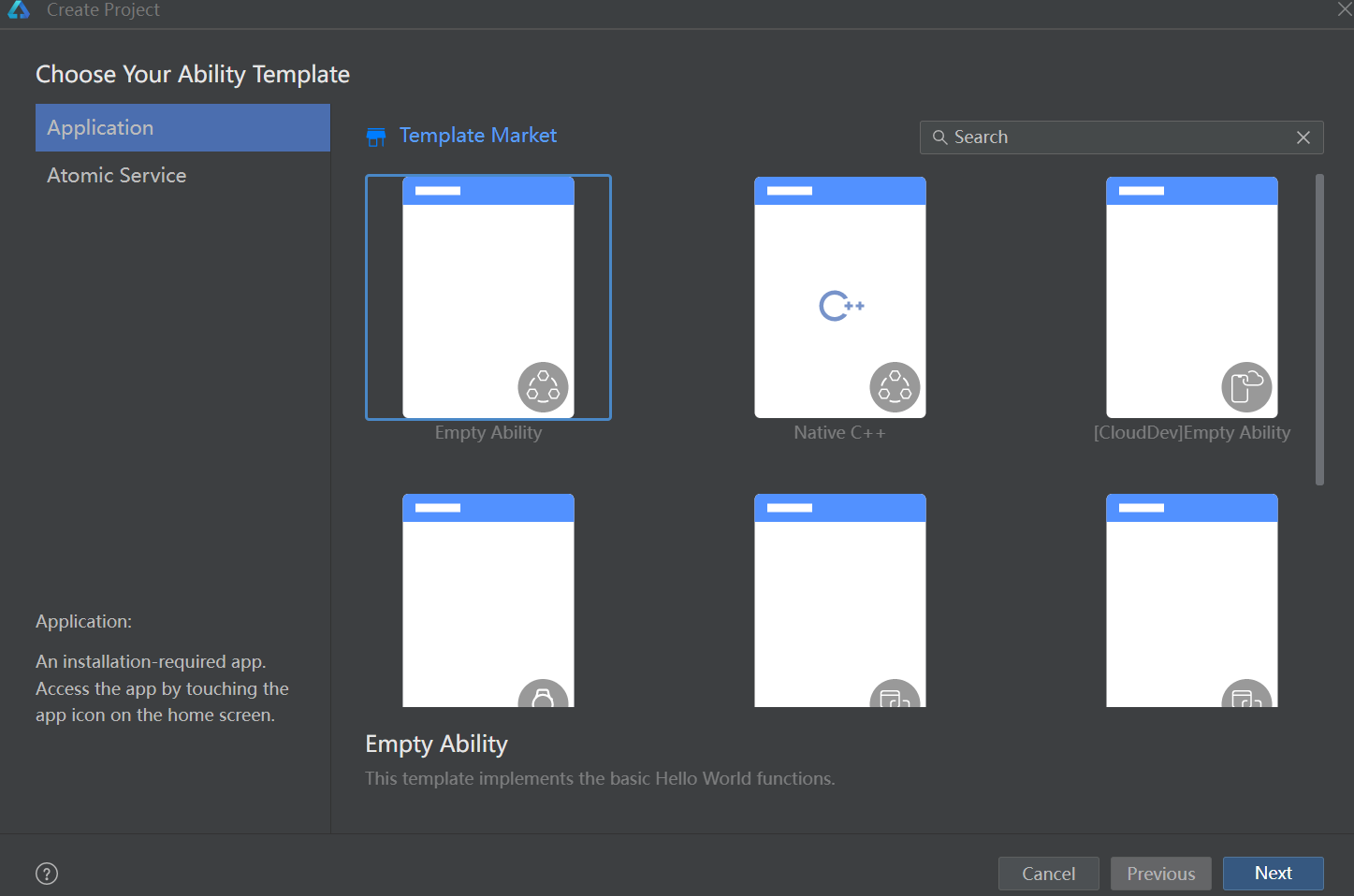
选择一个空项目,点击Next
参数都保持默认即可
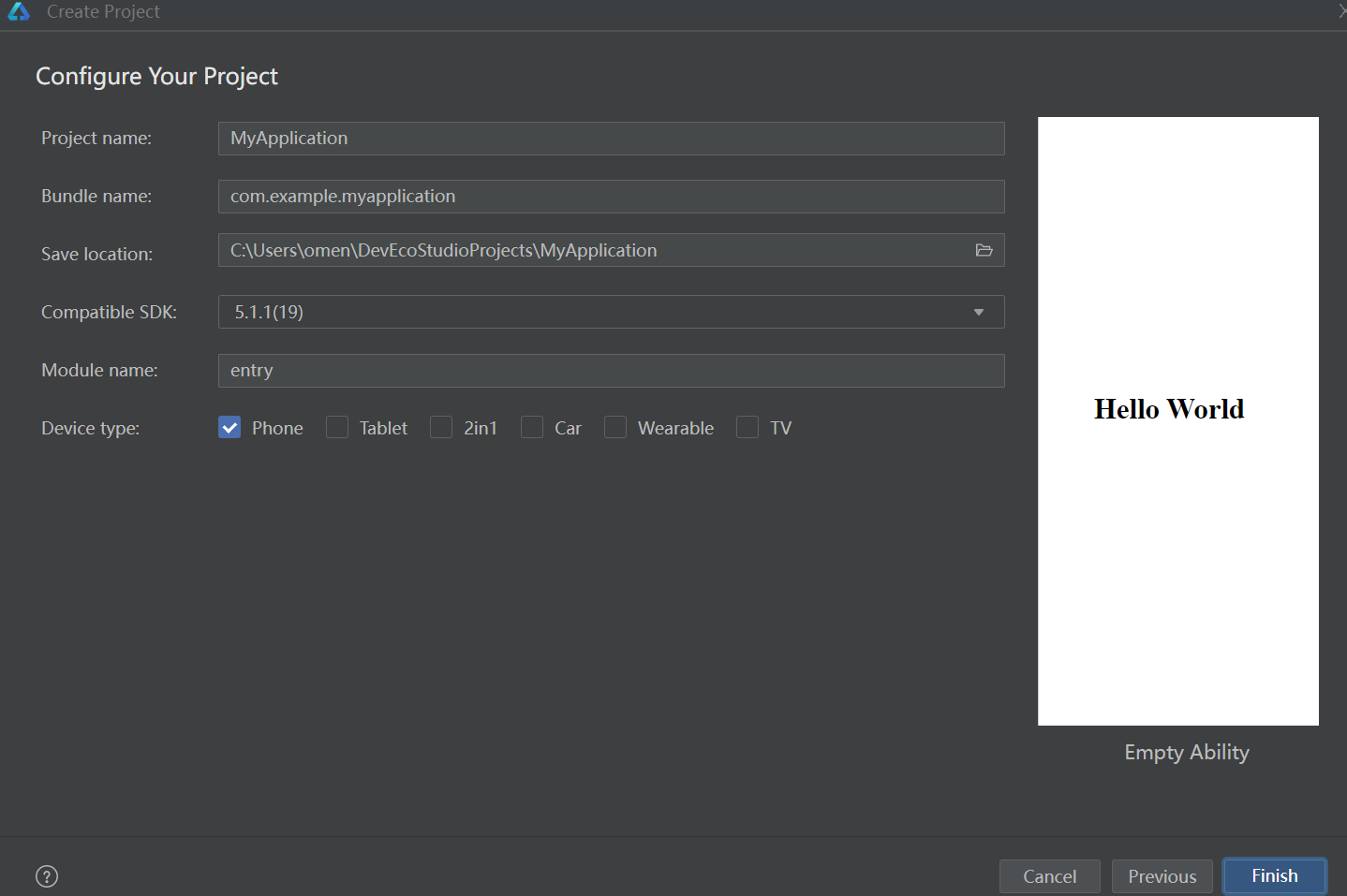
出现以下页面,说明构建成功
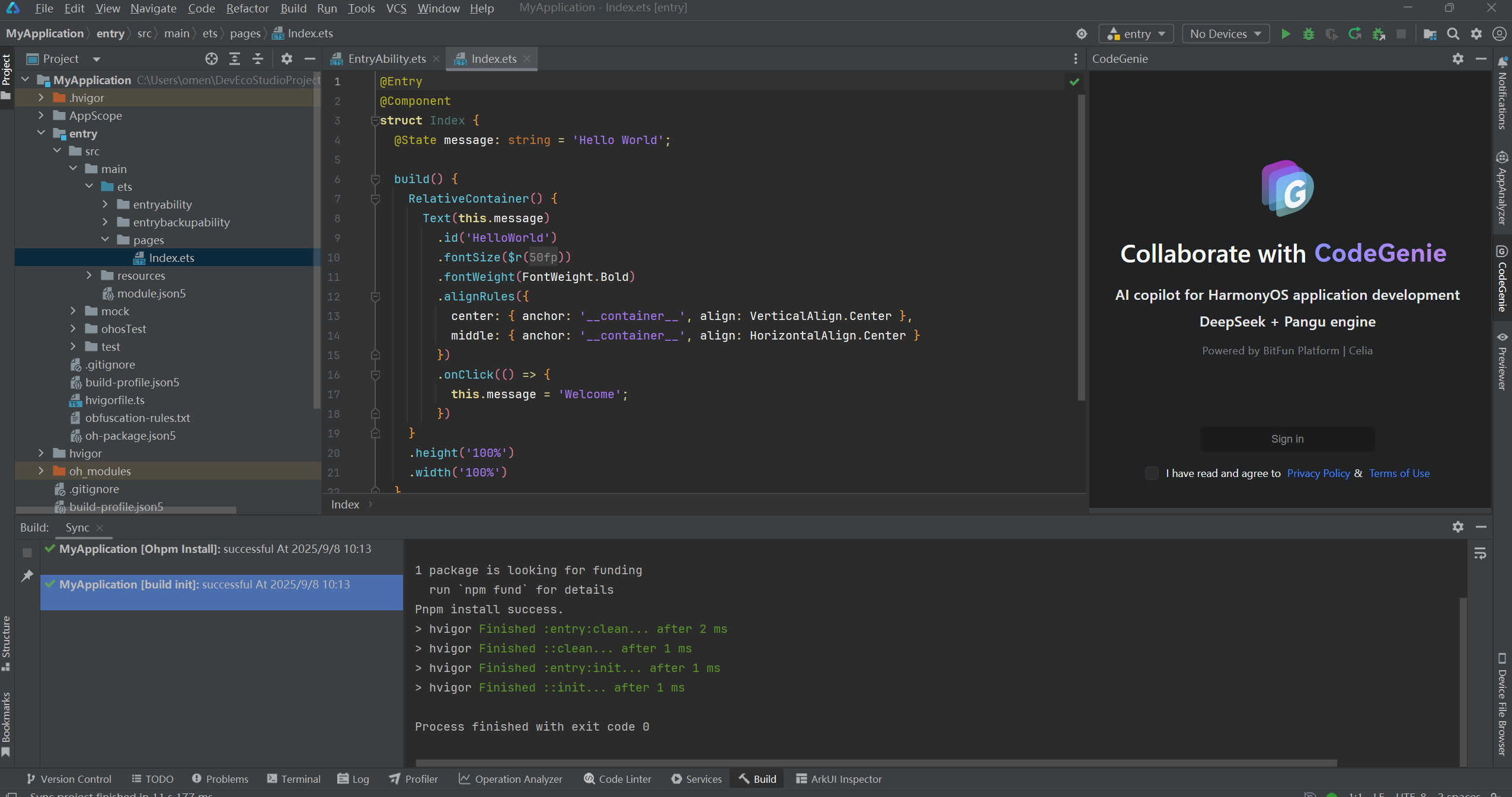
3.构建一个页面
1.使用文本组件
在项目目录中,找到entry/src/main/ets/pages/Index.ets文件,将页面从RelativeContainer相对布局改成Row/Colunm线性布局
2.添加按钮
在默认页面基础上,添加一个Button组件,作为按钮响应用户onClick事件,实现页面拓展逻辑。Index.ets页面如下
 // Index.ets
 @Entry
 @Component
 struct Index {
     @State message: string = 'Hello World';
     build() {
         Row() {
             Column() {
                 Text(this.message)
                 .fontSize(50)
                 .fontWeight(FontWeight.Bold)

                 // 添加按钮,以响应用户onClick事件
                 Button() {
                     Text('Next')
                     .fontSize(30)
                     .fontWeight(FontWeight.Bold)
                 }
                 .type(ButtonType.Capsule)
                 .margin({
                 top: 20
                 })
                 .backgroundColor('#009FFB')
                 .width('40%')
                 .height('5%')
             }
             .width('100%')
         }
         .height('100%')
     }
 }
3.验证结果
点击右边的Preview
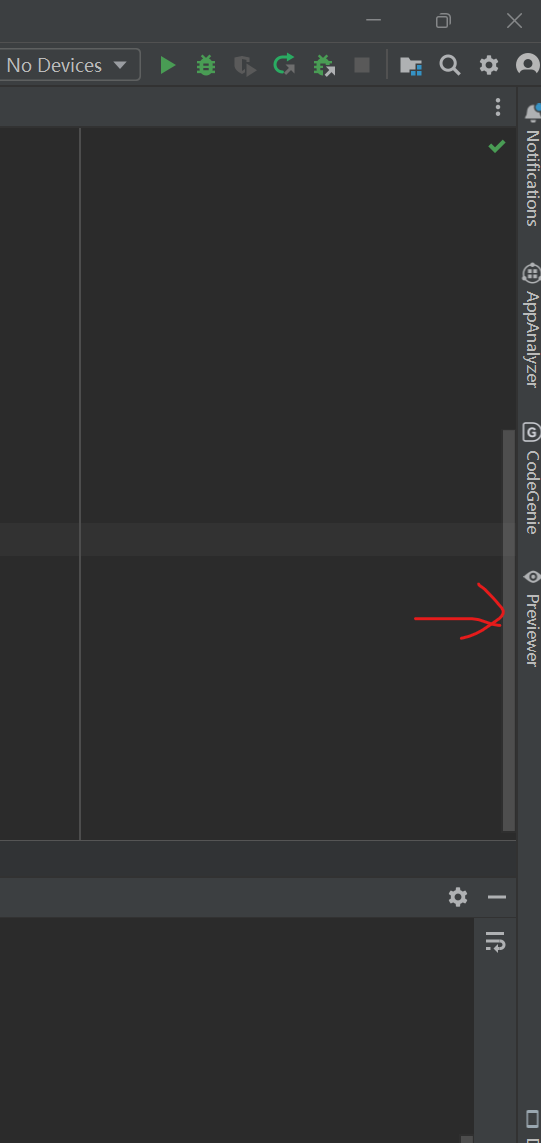
出现以下界面说明运行成功
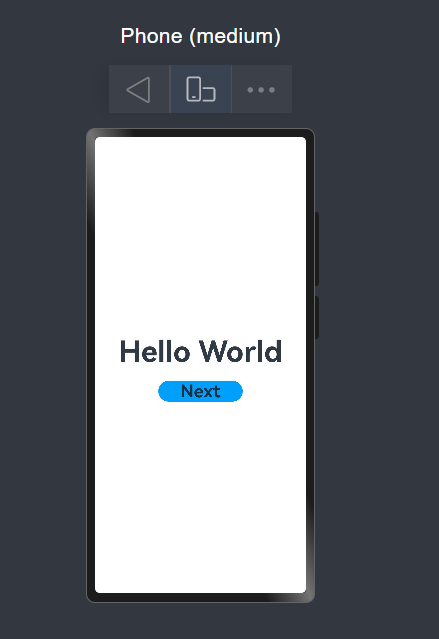
4.构建第二个页面
1.新建并注册第二个页面
在同样的文件中新建一个文件Second.ets
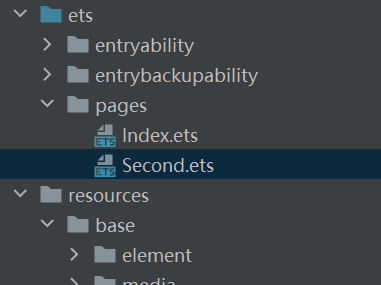
找到src/main/resources/base/profile/main_pages.json文件,更新为以下内容
 {
   "src": [
     "pages/Index",
     "pages/Second"
   ]
 }
2.新增按钮和文本
文件内容如下
 // Second.ets
 @Entry
 @Component
 struct Second {
     @State message: string = 'Hi there';
     build() {
         Row() {
             Column() {
                 Text(this.message)
                 .fontSize(50)
                 .fontWeight(FontWeight.Bold)

                 Button() {
                     Text('Back')
                     .fontSize(30)
                     .fontWeight(FontWeight.Bold)
                 }
                 .type(ButtonType.Capsule)
                 .margin({
                     top: 20
                 })
                 .backgroundColor('#D0B0FF')
                 .width('40%')
                 .height('5%')
             }
             .width('100%')
         }
         .height('100%')
     }
 }
5.实现页面的跳转
页面间的导航可以通过页面路由router来实现。页面路由router根据页面url找到目标页面,从而实现跳转。使用页面 路由请导入router模块。
1.从第一个页面跳转到第二个页面
Index.ets文件如下
// Index.ets
import { BusinessError } from '@kit.BasicServicesKit';
@Entry
@Component
struct Index {
@State message: string = 'Hello World';
build() {
Row() {
Column() {
Text(this.message)
.fontSize(50)
.fontWeight(FontWeight.Bold)
// 添加按钮,以响应用户onClick事件
Button() {
Text('Next')
.fontSize(30)
.fontWeight(FontWeight.Bold)
}
.type(ButtonType.Capsule)
.margin({
top: 20
})
.backgroundColor('#009FFB')
.width('40%')
.height('5%')
// 跳转按钮绑定onClick事件,单击时跳转到第二页
.onClick(() => {
console.info('Succeeded in clicking the "Next" button.');
// 获取UIContext
let uiContext: UIContext = this.getUIContext();
let router = uiContext.getRouter();
// 跳转到第二页
router.pushUrl({ url: 'pages/Second' })
.then(() => {
console.info('Succeeded in jumping to the second page.');
})
.catch((err: BusinessError) => {
console.error(`Failed to jump to the second page. Code is ${err.code}, message is ${err.message}`);
});
})
}
.width('100%')
}
.height('100%')
}
}1.从第二个页面返回到第一个页面
Second.ets内容如下
// Second.ets
import { BusinessError } from '@kit.BasicServicesKit';
@Entry
@Component
struct Second {
@State message: string = 'Hi there';
build() {
Row() {
Column() {
Text(this.message)
.fontSize(50)
.fontWeight(FontWeight.Bold)
Button() {
Text('Back')
.fontSize(30)
.fontWeight(FontWeight.Bold)
}
.type(ButtonType.Capsule)
.margin({
top: 20
})
.backgroundColor('#D09FFB')
.width('40%')
.height('5%')
// 返回按钮绑定onClick事件,单击按钮时返回到第一页
.onClick(() => {
console.info('Succeeded in clicking the "Back" button.');
// 获取UIContext
let uiContext: UIContext = this.getUIContext();
let router = uiContext.getRouter();
try {
// 返回第一页
router.back();
console.info('Succeeded in returning to the first page.');
} catch (err) {
let code = (err as BusinessError).code;
let message = (err as BusinessError).message;
console.error(`Failed to return to the first page. Code is ${code}, message is ${message}`);
}
})
}
.width('100%')
}
.height('100%')
}
}三、程序运行结果
列出程序的最终运行结果及截图。
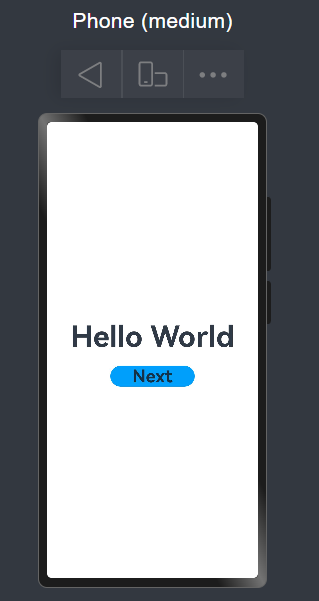
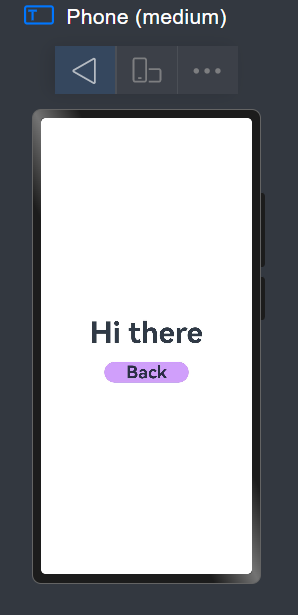
四、问题总结与体会
遇到的问题及解决方法:
环境配置问题:初次安装DevEco Studio时,遇到了SDK下载缓慢的问题。通过切换网络环境和手动配置代理解决了这个问题。
布局问题:刚开始对Flex布局不熟悉,组件排列经常出现问题。通过多次调试和查阅布局文档,逐渐掌握了Row和Column的用法。
收获和体会:
通过本次实验,我深刻体会到了HarmonyOS应用开发的便捷性和高效性。ArkTS语言的语法与TypeScript相似,我掌握了以下技能:
HarmonyOS应用的基本结构和工作原理,ArkTS语言的基本语法和组件使用,页面布局和样式设置,页面间的路由跳转实现
课程建议:
希望可以提供更多的实际案例和项目实践,让学生能够更好地将理论知识应用到实际开发中。

社区规范:仅讨论OpenHarmony相关问题。
更多推荐
 23
23 0
0- 0


 已为社区贡献1条内容

所有评论(0)