类型标注语法
·
代码1:如下
interface NavBarTS{
  num:number
  name:string
  icon1:string
  icon2:string
}

@Entry
@ComponentV2

struct Index {
  // 底部高亮切换
  @Local activeIndex: number = 1

  @Local TooBar: ToolbarItem[] = []
  // 首页  分类  购物车  我的
  @Local NavBar:NavBarTS[] = [
    {num:1,name:"首页",icon1:"/image/homeActive.png",icon2:"/image/home.png"},
    {num:2,name:"分类",icon1:"/image/cateActive.png",icon2:"/image/cate.png"},
    {num:3,name:"购物车",icon1:"/image/cartActive.png",icon2:"/image/cart.png"},
    {num:4,name:"我的",icon1:"/image/myActive.png",icon2:"/image/my.png"}
  ]


  updateToData(){
    this.TooBar = this.NavBar.map((item:NavBarTS,index:number)=>{
      return {'value': item.name, 'icon': this.activeIndex == item.num? item.icon1 : item.icon2,
        'action': ()=> {
          this.activeIndex = item.num
          this.updateToData()
        }}
    })
  }


  aboutToAppear(): void {
    // this.NavBar.forEach((item:NavBarTS,index:number)=>{
    //   this.TooBar.push({'value': item.name, 'icon': this.activeIndex == item.num? item.icon1 : item.icon2,
    //     'action': ()=> {
    //       this.activeIndex = item.num
    //     }})
    // })
    this.updateToData()
  }


  build() {
    Navigation(){
    }.toolbarConfiguration(this.TooBar)
  }
}
在DevEco Studio中运行会报一下错误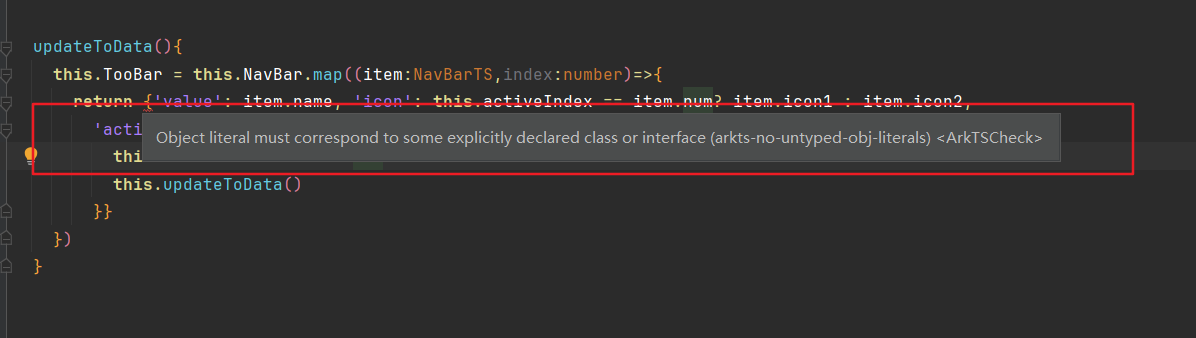
这种问题问题就是类型不匹配,必须药完全匹配
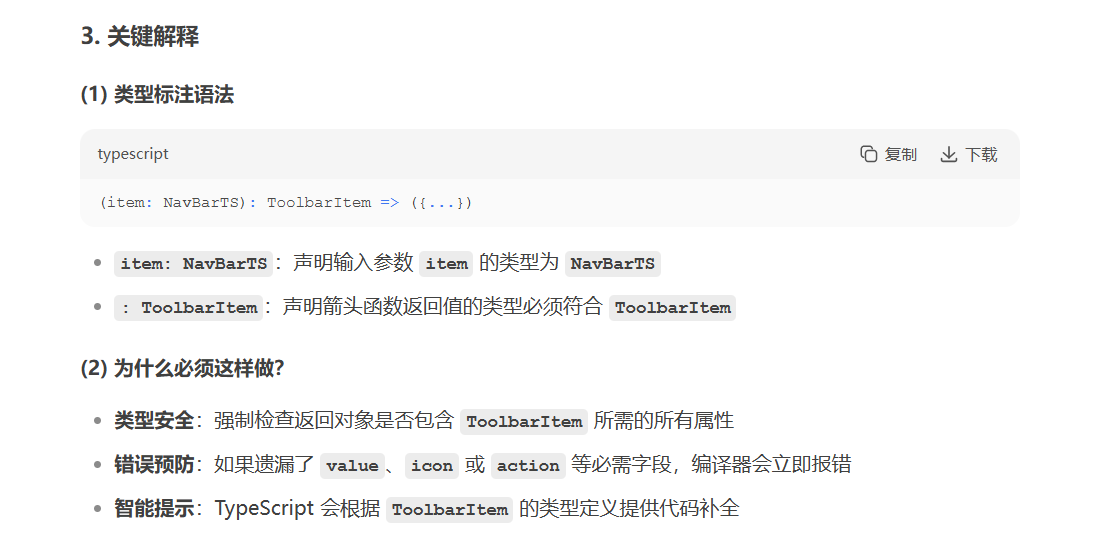
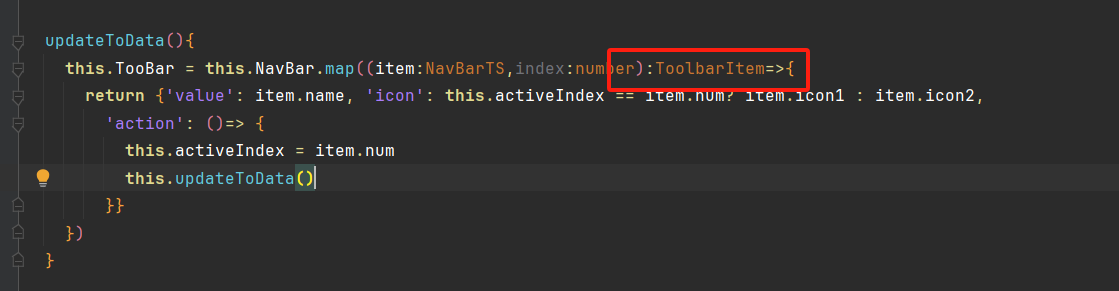
改写成一下即可完成不报错:

社区规范:仅讨论OpenHarmony相关问题。
更多推荐
 4
4 0
0- 0


 已为社区贡献1条内容

所有评论(0)