【OpenHarmony】二维码的库:zxing
·
往期推文全新看点(文中附带全新鸿蒙5.0全栈学习笔录)
✏️ 鸿蒙应用开发与鸿蒙系统开发哪个更有前景?
✏️ 嵌入式开发适不适合做鸿蒙南向开发?看完这篇你就了解了~
✏️ 对于大前端开发来说,转鸿蒙开发究竟是福还是祸?
✏️ 鸿蒙岗位需求突增!移动端、PC端、IoT到底该怎么选?
✏️ 市场巨变,移动开发行业即将迎来“第二春”?
✏️ 记录一场鸿蒙开发岗位面试经历~
✏️ 持续更新中……
简介
zxing是一个解析/生成一维码/二维码的库。
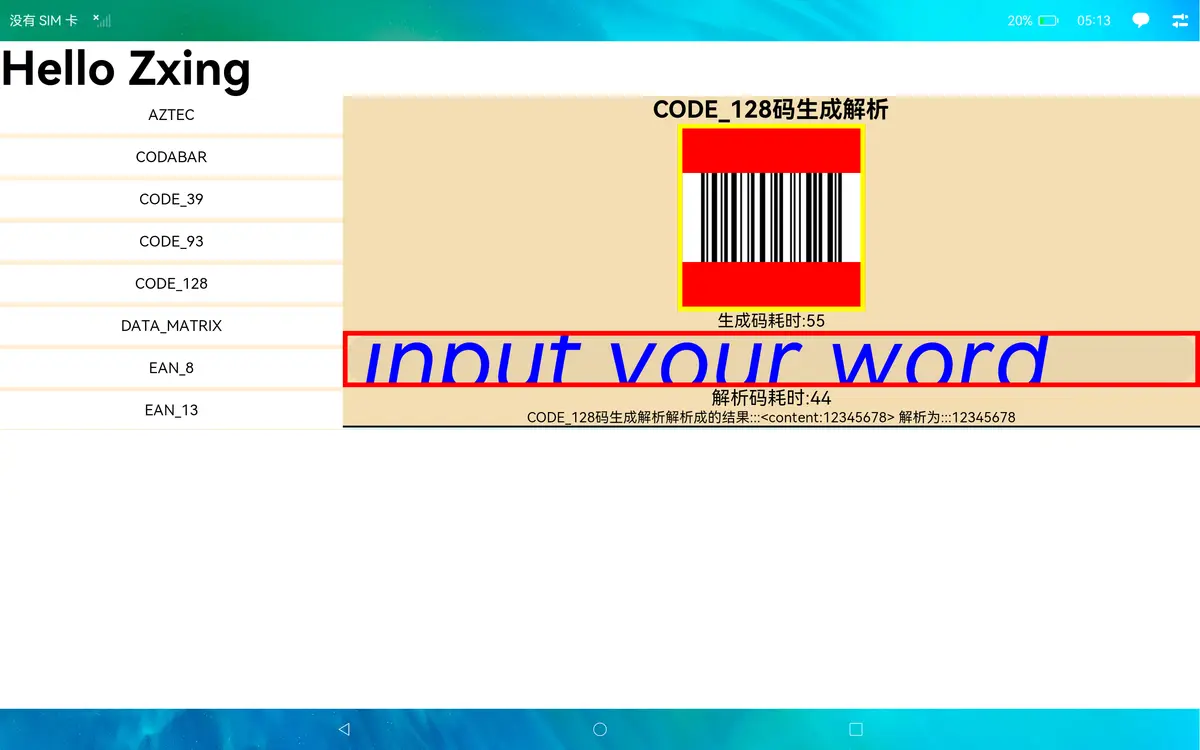
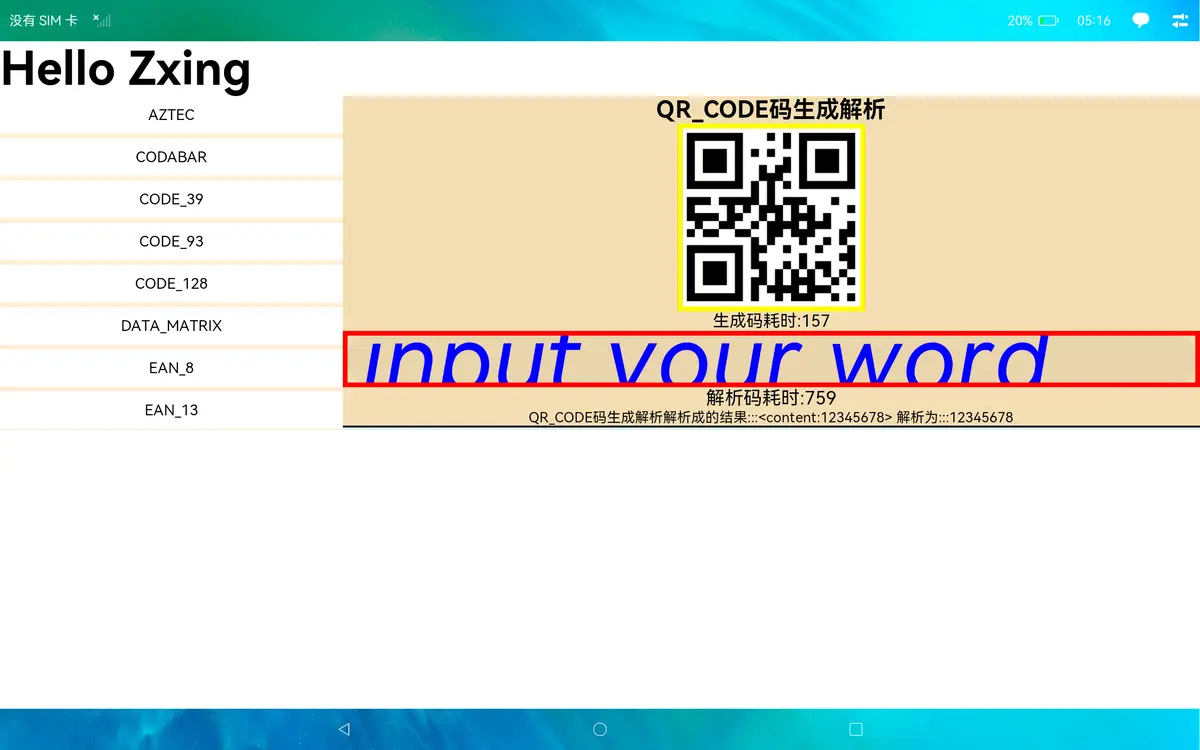
支持的码格式
其中QR_CODE、DATA_MATRIX、AZTEC、PDF_417、MAXICODE生成和解码时传入的宽高不支持小数
| 1D product | 1D industrial | 2D |
|---|---|---|
| UPC-A | Code 39 | QR Code |
| UPC-E | Code 93 | Data Matrix |
| EAN-8 | Code 128 | Aztec |
| EAN-13 | Codabar | PDF 417 |
| RSS-14 | ITF | MaxiCode |
| RSS-Expanded |
下载安装
ohpm install @ohos/zxing
使用说明
解码
import {MultiFormatReader, BarcodeFormat, DecodeHintType, RGBLuminanceSource, BinaryBitmap, HybridBinarizer } from "@ohos/zxing";
const hints = new Map();
const formats = [BarcodeFormat.QR_CODE];
hints.set(DecodeHintType.POSSIBLE_FORMATS, formats);
const reader = new MultiFormatReader();
reader.setHints(hints);
const luminanceSource = new RGBLuminanceSource(luminances, width, height);
const binaryBitmap = new BinaryBitmap(new HybridBinarizer(luminanceSource));
let result = reader.decode(binaryBitmap);
let text = result.getText();
编码
import {BarcodeFormat, MultiFormatWriter, BitMatrix, ZXingStringEncoding, EncodeHintType} from '@ohos/zxing';
 const encodeHintTypeMap = new Map();
 //设置二维码边空白的宽度
 encodeHintTypeMap.set(EncodeHintType.MARGIN, 0);
 const writer: MultiFormatWriter = new MultiFormatWriter();
 let matrix: BitMatrix = writer.encode(content, BarcodeFormat.QR_CODE, width, height, encodeHintTypeMap);
OpenHarmony上是用image组件显示图片的,所以需要将matrix转化成pixelMap这样才可以显示在image组件上面。
1.需要将matrix转成pixelMap的buffer。
2.在根据这个buffer去创建pixelMap。
3.输入的解析生成码的一些限制:
codabar只能是数字
ena8 只能是7位数字
ena13只能是12位数字
ITF码只能是数字,且需要双数,长度要>=6才能解析生成码
upcA只能数字,且长度只能是11位。
upcE只能数字,且长度只能是7位
具体操作细节可以看demo代码,主要转换逻辑都封装在imageUtils工具类中。
接口列表
编码
| 类名 | 方法名 | 功能 |
|---|---|---|
| QRCodeWriter | encode(contents: string,format: BarcodeFormat,width: int,height:int,hints: Map<EncodeHintType, any>): BitMatrix | 生成QRCode码。 |
| DataMatrixWriter | encode(contents: string,format: BarcodeFormat,width: int,height:int,hints: Map<EncodeHintType, any>): BitMatrix | 生成DataMatrix码。 |
| AztecWriter | encode(contents: string,format: BarcodeFormat,width: int,height:int,hints: Map<EncodeHintType, any>): BitMatrix | 生成Aztec码。 |
| PDF417Writer | encode(contents: string,format: BarcodeFormat,width: int,height:int,hints: Map<EncodeHintType, any>): BitMatrix | 生成PDF417码。 |
| Code39Writer | encode(contents: string,format: BarcodeFormat,width: int,height:int,hints: Map<EncodeHintType, any>): BitMatrix | 生成Code39码。 |
| Code93Writer | encode(contents: string,format: BarcodeFormat,width: int,height:int,hints: Map<EncodeHintType, any>): BitMatrix | 生成Code93码。 |
| Code128Writer | encode(contents: string,format: BarcodeFormat,width: int,height:int,hints: Map<EncodeHintType, any>): BitMatrix | 生成Code128码。 |
| CodaBarWriter | encode(contents: string,format: BarcodeFormat,width: int,height:int,hints: Map<EncodeHintType, any>): BitMatrix | 生成CodaBar码。 |
| ITFWriter | encode(contents: string,format: BarcodeFormat,width: int,height:int,hints: Map<EncodeHintType, any>): BitMatrix | 生成ITF码。 |
| UPCAWriter | encode(contents: string,format: BarcodeFormat,width: int,height:int,hints: Map<EncodeHintType, any>): BitMatrix | 生成UPCA码。 |
| UPCEWriter | encode(contents: string,format: BarcodeFormat,width: int,height:int,hints: Map<EncodeHintType, any>): BitMatrix | 生成UPCE码。 |
| EAN8Writer | encode(contents: string,format: BarcodeFormat,width: int,height:int,hints: Map<EncodeHintType, any>): BitMatrix | 生成EAN8码。 |
| EAN13Writer | encode(contents: string,format: BarcodeFormat,width: int,height:int,hints: Map<EncodeHintType, any>): BitMatrix | 生成EAN13码。 |
| MultiFormatWriter | encode(contents: string,format: BarcodeFormat,width: int,height:int,hints: Map<EncodeHintType, any>): BitMatrix | 这是一个工厂类方法,它为请求的条形码/二维码格式找到适当的编写器子类,并使用提供的内容编码二维码/条形码。 |
解码
| 类名 | 方法名 | 功能 |
|---|---|---|
| QRCodeReader | decode(image: BinaryBitmap, hints?: Map<DecodeHintType, any> | null): Result; | 解析QRCode码。 |
| DataMatrixReader | decode(image: BinaryBitmap, hints?: Map<DecodeHintType, any> | null): Result; | 解析DataMatrix码。 |
| AztecReader | decode(image: BinaryBitmap, hints?: Map<DecodeHintType, any> | null): Result; | 解析Aztec码。 |
| PDF417Reader | decode(image: BinaryBitmap, hints?: Map<DecodeHintType, any> | null): Result; | 解析PDF417码。 |
| MaxiCodeReader | decode(image: BinaryBitmap, hints?: Map<DecodeHintType, any> | null): Result; | 解析MaxiCode码。 |
| Code39Reader | decode(image: BinaryBitmap, hints?: Map<DecodeHintType, any> | null): Result; | 解析Code39码。 |
| Code93Reader | decode(image: BinaryBitmap, hints?: Map<DecodeHintType, any> | null): Result; | 解析Code93码。 |
| CodaBarReader | decode(image: BinaryBitmap, hints?: Map<DecodeHintType, any> | null): Result; | 解析CodaBar码。 |
| Code128Reader | decode(image: BinaryBitmap, hints?: Map<DecodeHintType, any> | null): Result; | 解析Code128码。 |
| ITFReader | decode(image: BinaryBitmap, hints?: Map<DecodeHintType, any> | null): Result; | 解析ITF码。 |
| UPCAReader | decode(image: BinaryBitmap, hints?: Map<DecodeHintType, any> | null): Result; | 解析UPCA码。 |
| UPCEReader | decode(image: BinaryBitmap, hints?: Map<DecodeHintType, any> | null): Result; | 解析UPCE码。 |
| EAN8Reader | decode(image: BinaryBitmap, hints?: Map<DecodeHintType, any> | null): Result; | 解析EAN8码。 |
| EAN13Reader | decode(image: BinaryBitmap, hints?: Map<DecodeHintType, any> | null): Result; | 解析EAN13码。 |
| RSS14Reader | decode(image: BinaryBitmap, hints?: Map<DecodeHintType, any> | null): Result; | 解析RSS14码。 |
| RSSExpandedReader | decode(image: BinaryBitmap, hints?: Map<DecodeHintType, any> | null): Result; | 解析RSSExpanded码。 |
| MultiFormatReader | decode(image: BinaryBitmap, hints?: Map<DecodeHintType, any> | null): Result; | 这是一个工厂类方法,它为请求的条形码/二维码格式找到适当的解码器子类,并使用提供的内容解码二维码/条形码。 |
相机组件
| 组件名名 | ||
|---|---|---|
| CameraView |
CameraService
| 类名 | 方法名 | 功能 |
|---|---|---|
| init(context:Context) | CameraService.getInstance().init(getContext()) | 打开相机并初始化 |
| destroy | CameraService.getInstance().destroy() | 关闭相机 |
| release | CameraService.getInstance().release() | 释放 |
GlobalContext
| 类名 | 方法名 | 功能 |
|---|---|---|
| setObject | GlobalContext.getContext().setObject(“key”,value) | 设置值 |
| getObject | GlobalContext.getContext().getObject(“key”) | 获取值 |
项目目录
|---- Zxing
|     |---- entry  # 示例代码文件夹
|     |---- library  # zxing库文件夹
|           |---- index.ets  # 对外接口
|     |---- README.md  # 安装使用方法
|     |---- README_zh.md  # 安装使用方法


社区规范:仅讨论OpenHarmony相关问题。
更多推荐
 11
11 0
0- 0


 已为社区贡献216条内容

所有评论(0)